
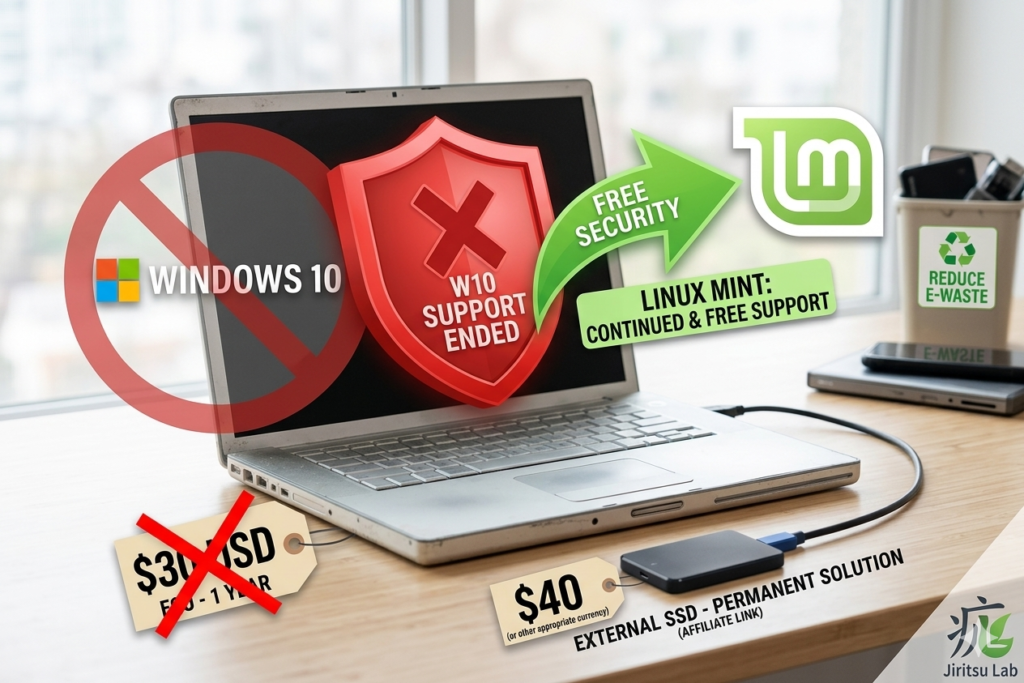
It’s been about six months since Windows 10 officially reached end-of-life in October 2025. If you’re still using an older laptop or desktop, you’ve probably seen those warnings pop up: “Your PC is out of support and at risk.”
By now, that message has probably sunk in. The post–Windows 10 reality is here, and it leaves you with three main choices: buy a new Windows 11 machine, pay Microsoft for Extended Security Updates (ESU), or figure out how to keep your current hardware running safely.
At Jiritsu Lab, we think your computer shouldn’t come with an expiration date. So let’s break down what your options really look like in 2026.
The Paid Path: Microsoft’s Temporary Fix
Microsoft does offer a paid option to keep your system patched with security updates. It works—but only for a while.
The cost: Around $30 a year (or 1,000 Microsoft Rewards points).
The catch: You’re essentially paying to keep an aging system on life support. In a year or two, you’ll be facing the same decision all over again.
The Wasteful Path: Buying a New PC
The tech industry would have you believe that anything without TPM 2.0 or a newer CPU is basically junk. But that’s far from the truth.
Most PCs made between 2015 and 2020 still have solid screens, comfortable keyboards, and enough power for everyday tasks like browsing, banking, and streaming. Replacing them isn’t just expensive, it’s also unnecessary for most people.
The Smarter Path: Switching to Linux
This is where things get interesting. Installing a beginner-friendly Linux system – like Linux Mint Xfce – can breathe new life into your old machine.
Here’s why it makes sense in 2026:
- Free security, forever: No subscriptions, no hidden tiers – just regular updates at no cost.
- Better performance: Linux Mint is lightweight, so even a 4GB RAM laptop can feel fast again.
- More privacy: No forced tracking, no intrusive features watching what you do.
“But Will My Stuff Still Work?”
That’s the big question – and honestly, for most people, the answer is yes.
- Web browsing: Chrome, Firefox, and Edge all run smoothly.
- Documents: LibreOffice can handle Word and Excel files without a problem.
- Flexibility: You don’t even have to remove Windows right away.
Try It Without the Risk
You don’t need to commit all at once. A simple, safe way to test Linux is by running it from an external SSD.
This lets you “dual-boot” – keep your existing Windows setup untouched for offline use, while using Linux for secure, everyday tasks online.
Jiritsu Lab tip: Start with a reliable 128GB external SSD. It’s an easy way to experiment without touching your internal drive.
Final Thoughts
Don’t let a “support ended” message push you into spending $600 on a new computer you don’t actually need. Your Windows 10 PC still has plenty of life left in it – and a better operating system like Linux Mint will help to unlock it.